Wolke AI | Live demo | See the AI-native HR platform. Book a demo 

+971 4 513 9090 Search United Arab Emirates (EN)

Time Tracking

Hours you can hand straight to payroll

Shifts, overtime and attendance captured as they happen and applied to the pay run on your own policy.
Trusted by

Overtime is where payroll goes wrong

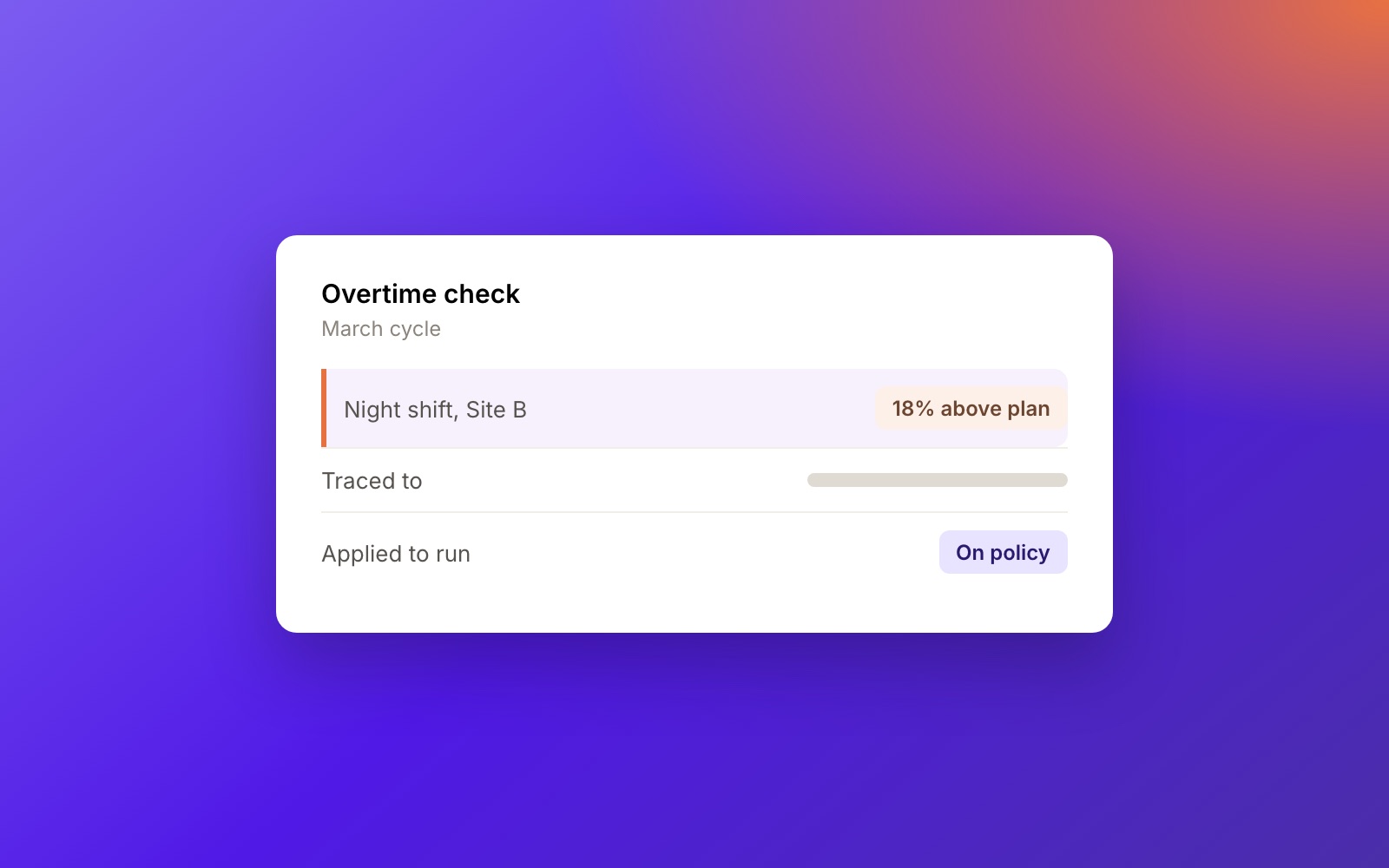
Most payroll errors are not in the salary. They are in the hours, and they are found after the run has already paid.

  • Overtime calculated from shift rules and policy, not from a manager's estimate.
  • Variance against last cycle flagged before the run closes.
  • Timesheets feed the pay run directly, with no re entry.
Sites, shifts and people who are never at a desk

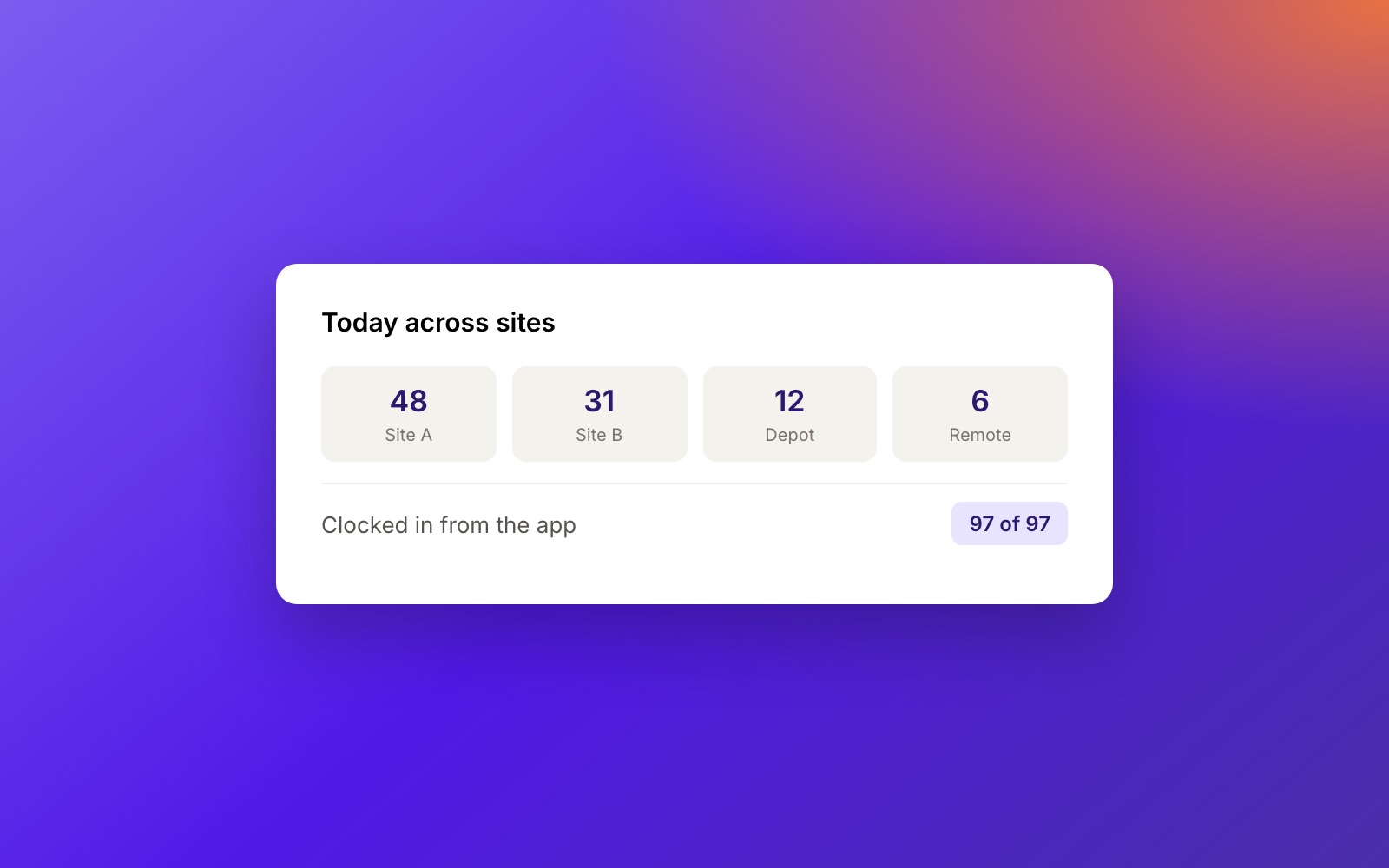
A time system that assumes a desk and a badge reader does not survive contact with a construction site or a multi location retail operation.

  • Clock in from the app, wherever the work is.
  • Any time clock integrated, remote locations included.
  • The right people assigned to the right shift across every location.
Hours coded to the project that paid for them

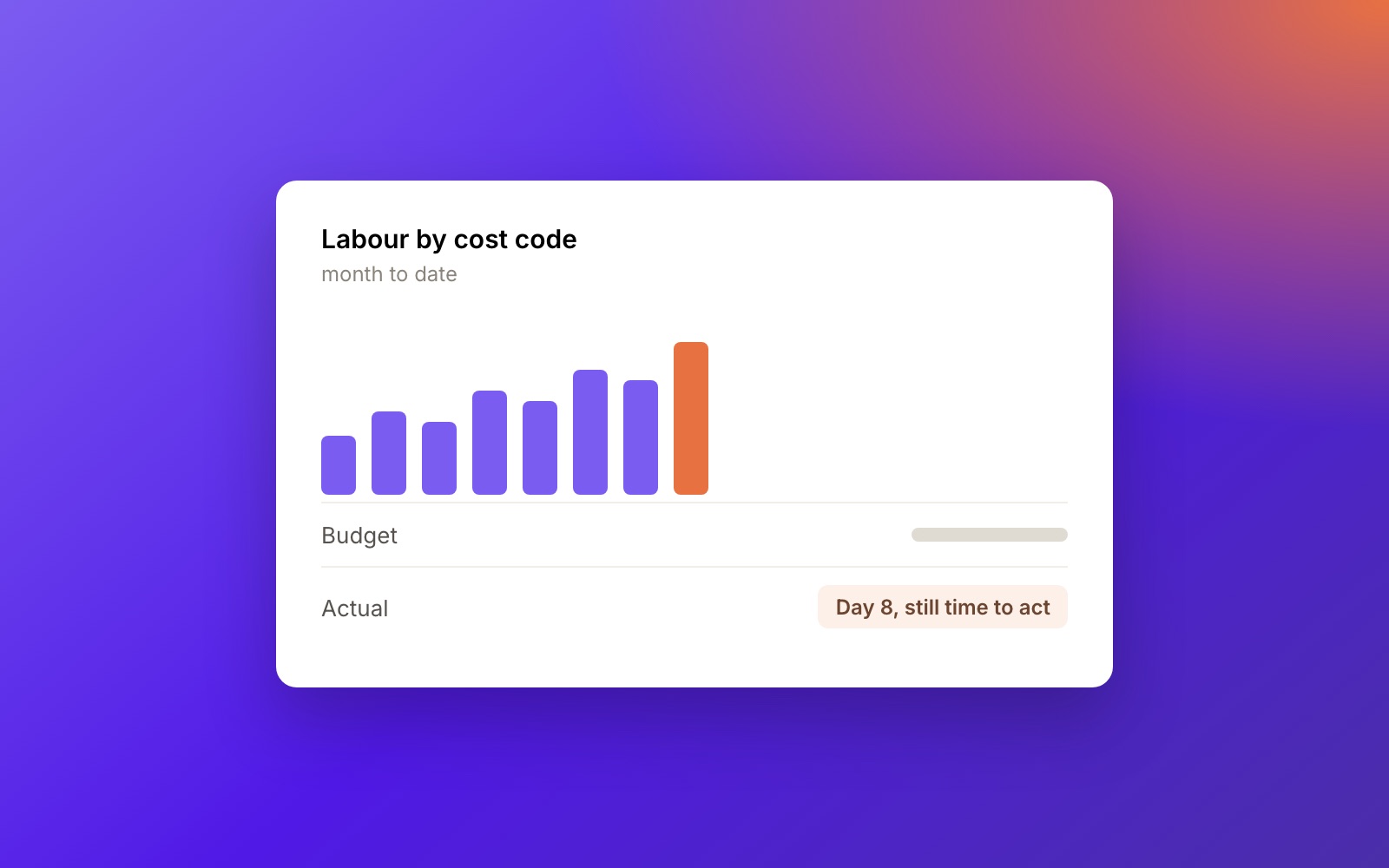
Labour is the largest line on most project budgets and usually the last one anybody sees. Coding hours as they are worked means budgetary control holds at cost code level.

  • Time tracked against the project, not just the month.
  • Budget against actual while the month is still open.
  • The overrun visible on day eight rather than after the close.

Everything inside Time Tracking

Grouped by what they do, all reading from the one employee record.

Capturing time

  • Mobile Clock In

    From the app, wherever the work actually is.

  • Time Clock Integration

    Any device, remote locations included.

  • Attendance

    Captured as it happens, not reconstructed later.

  • Timesheets

    Submitted, approved and fed straight to the pay run.

Shifts and rosters

  • Shift Scheduling

    The right people on the right shift, every location.

  • Roster Planning

    Coverage checked before the week starts.

  • Shift Swaps

    Requested and approved without a phone call.

  • Multi Site

    One roster across every site you operate.

Cost and control

  • Overtime Rules

    Calculated from policy, not a manager's estimate.

  • Variance Checks

    Flagged against last cycle before the run closes.

  • Project Costing

    Hours coded to the project that paid for them.

  • Budgetary Control

    Budget against actual at cost code level, mid month.

How it goes live

  1. Listen first

    We learn your business, your industry and your goals before anything gets configured.

  2. Deployment

    A proven methodology that gets you live on time and on budget.

  3. Training

    Virtual courses through to in person workshops, in whatever format your team learns best.

  4. Support

    As involved or as hands off as you want. Some of our customers are entirely self sufficient.

Time Tracking questions, answered

Yes. Overtime is calculated from your shift rules and your policy rather than from a manager's estimate, per entity and per market where those differ.

Yes, with no re entry. Approved hours go straight into the pay run, and variance against the previous cycle is flagged before the run closes rather than found after it has paid.

Yes. Clock in works from the app wherever the work is, and any time clock can be integrated including at remote locations. A system that assumes a desk and a badge reader does not survive a construction site.

Yes. Hours are coded to the project as they are worked, so budgetary control holds at cost code level and an overrun is visible on day eight rather than after the close.

Book a demo

See it running against your own business

Tell us who you are and where you operate. One of our experts will come back to you to arrange a time.

What the demo covers

  • Your markets, your entities and your pay calendar, rather than a generic walkthrough.
  • The parts of the platform you actually asked about.
  • Time for your questions, with someone who knows HR and payroll in your markets.

Your details

Please enter your name.

Please enter a valid email address.

Please enter your company name.

Please choose a country.

We use these details only to arrange your demo. How we handle your data.

Thank you.

One of our experts will be in touch to arrange a time. The demo will run against the markets you told us about.

Cookie preferences

Choose which cookies we can use. Necessary cookies are always on, because the site needs them to work.

NecessaryAlways on

Remember your cookie choices and keep the site secure. They store nothing that identifies you.

Google Analytics. Tells us which pages are read and how people arrive, so we can improve the site.