Wolke AI | Live demo | See the AI-native HR platform. Book a demo 

+971 4 513 9090 Search United Arab Emirates (EN)

Employee Hub

Employee self service, on the phone people already carry

Payslips, leave, documents and expenses handled by the people who need them, so HR stops being a queue.
Trusted by

The questions that eat an HR team's week

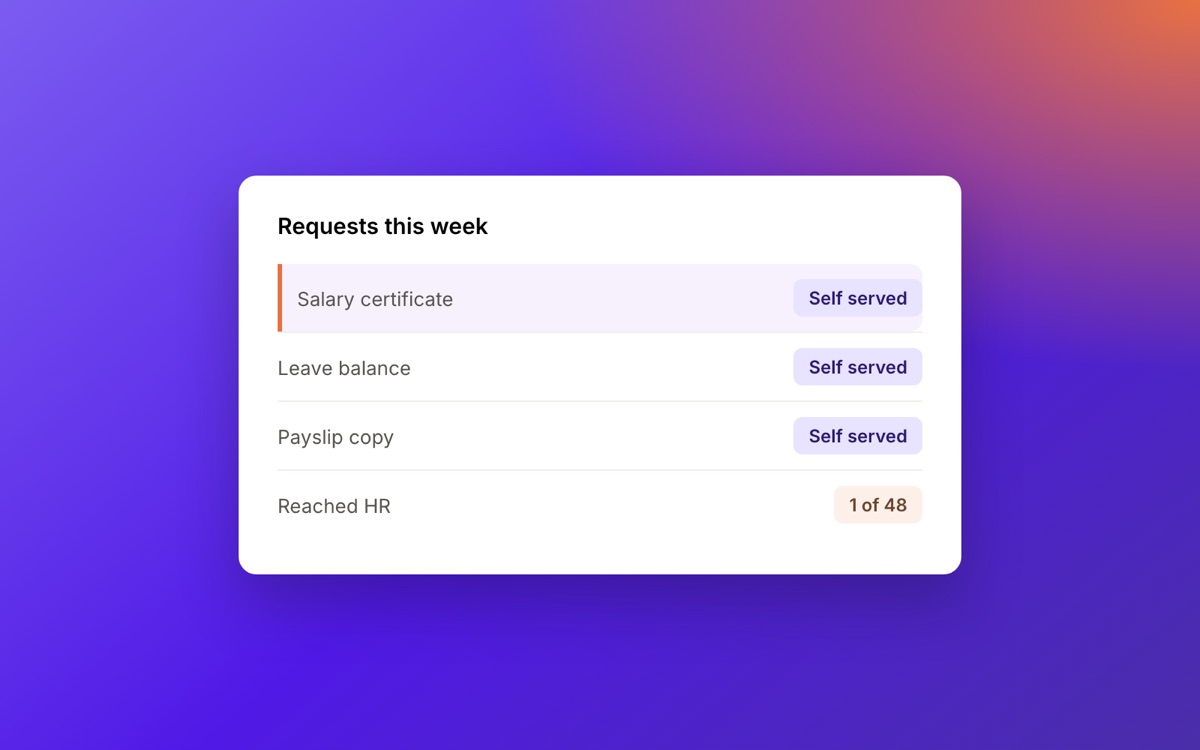
Salary certificates, leave balances, a copy of last March's payslip. The same five requests, every week, from a different person each time. Employees answer them themselves, from the record that is already correct.

  • Payslips downloaded from a phone, not requested by email.
  • Leave balances and carry over visible before anyone asks.
  • Letters and certificates issued from templates, approved by a person.
Most of your workforce is not at a desk

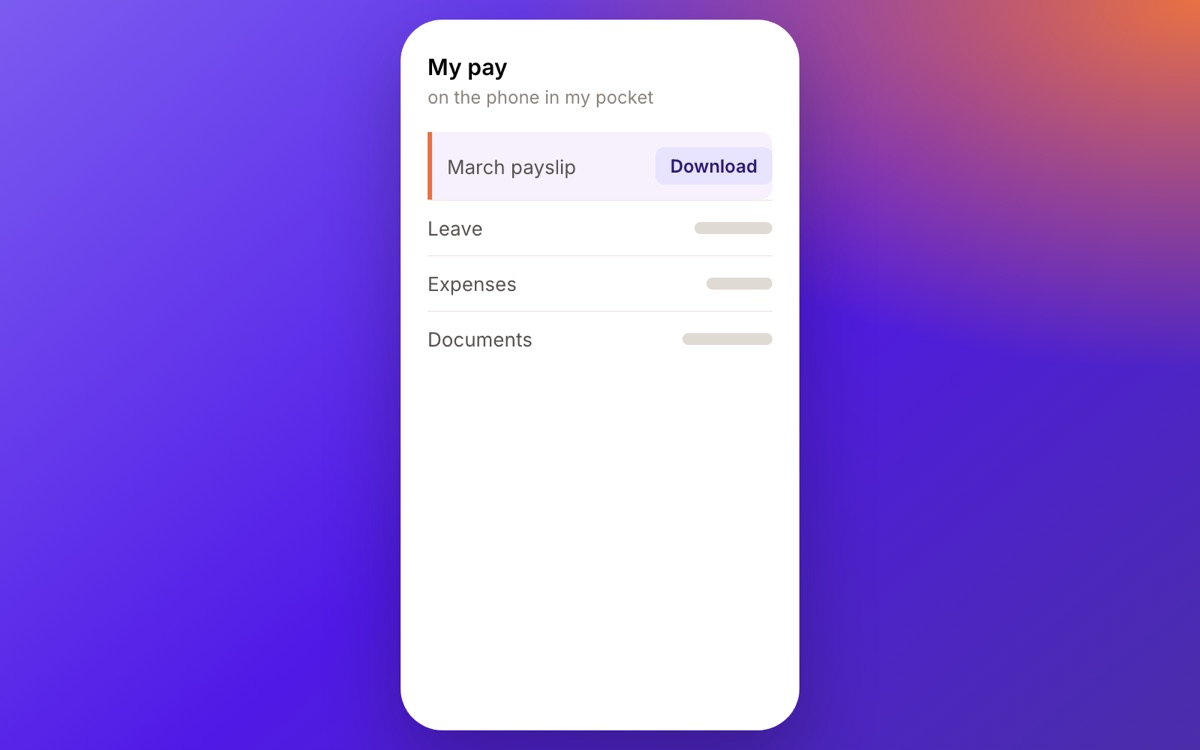
Site teams, shop floors, drivers and shift workers do not have a company laptop and will not raise a ticket. If self service does not work on a phone, it does not work.

  • Full function on a mobile browser or the app, not a cut down version.
  • Expenses and attendance submitted where the work happens.
  • Each employee in their own language, right to left included.
Your forms, not the ones we shipped

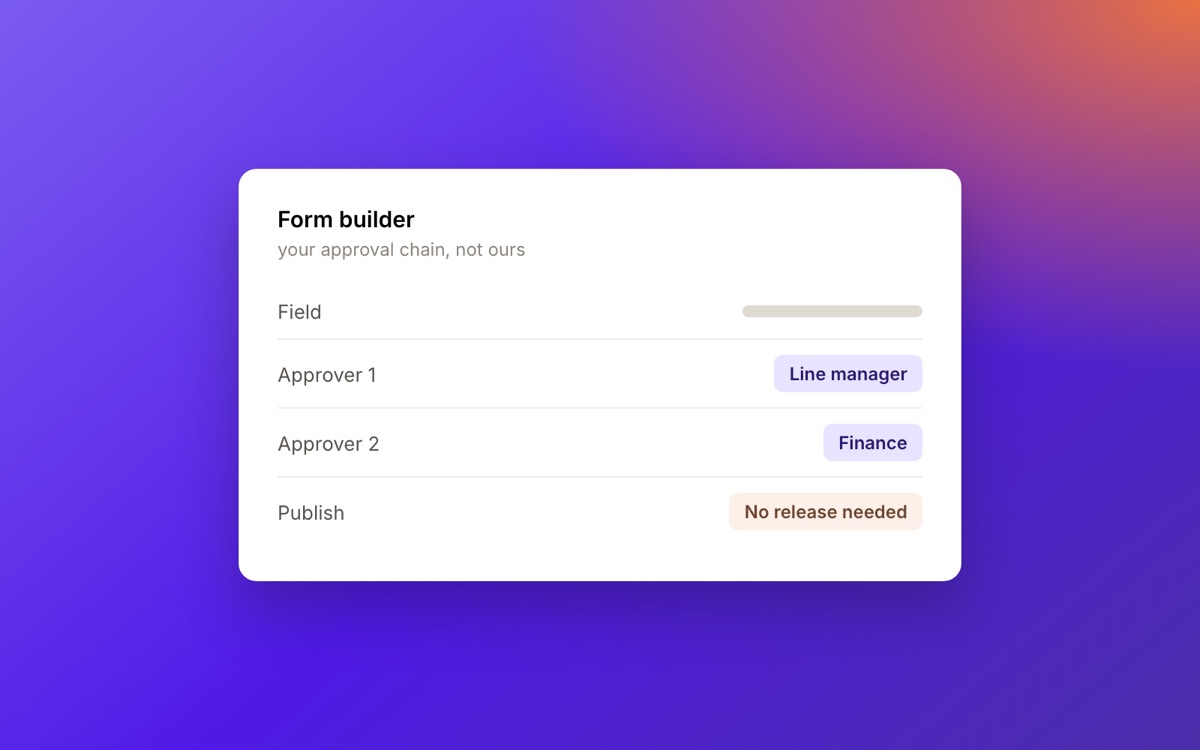
Every company approves things in its own order. Custom forms route through the chain you actually use, so the system bends to the company rather than the other way round.

  • Build a form without waiting on a release.
  • Route it through the approvers who really sign.
  • A help desk behind it for anything the form does not cover.

Everything inside Employee Hub

Grouped by what they do, all reading from the one employee record.

What an employee can do

  • Payslips

    Downloaded from a phone, every cycle, without asking HR.

  • Leave Requests

    Balances, carry over and entitlement visible before requesting.

  • Documents

    Personal documents held, renewed and retrieved on demand.

  • Expenses

    Submitted with a photo of the receipt, from wherever the work is.

  • Letters & Certificates

    Salary and employment letters issued from templates.

  • Profile Updates

    Changes routed to whoever has to approve them.

What a manager can do

  • Approvals

    Leave, expenses and requests cleared in one queue.

  • Team View

    Who is off, who is due back, who is on site.

  • Delegation

    Approvals handed over cleanly during leave.

  • Announcements

    Reaching people who have no company email address.

What HR configures

  • Custom Forms

    Built without waiting on a release.

  • Approval Chains

    Routed through the people who really sign.

  • HR Help Desk

    One place for anything a form does not cover.

  • Languages

    Arabic and English per employee, right to left included.

How it goes live

  1. Listen first

    We learn your business, your industry and your goals before anything gets configured.

  2. Deployment

    A proven methodology that gets you live on time and on budget.

  3. Training

    Virtual courses through to in person workshops, in whatever format your team learns best.

  4. Support

    As involved or as hands off as you want. Some of our customers are entirely self sufficient.

Employee Hub questions, answered

Yes. An employee can be onboarded with a mobile number rather than an email address, which is how most site, retail and driver populations are reached. The app and the mobile browser both carry full function, not a cut down version.

Yes. Each employee chooses their own language, and the interface runs right to left throughout. It is set per person, not per company, so a mixed workforce is not forced into one language.

Yes, and without waiting on a release. You build the form, then route it through the approvers who actually sign in your business. That is the point of the block: the system bends to the company rather than the other way round.

They go to the HR help desk, which sits behind the forms as one place for every query. Nothing falls back to somebody's inbox.

Book a demo

See it running against your own business

Tell us who you are and where you operate. One of our experts will come back to you to arrange a time.

What the demo covers

  • Your markets, your entities and your pay calendar, rather than a generic walkthrough.
  • The parts of the platform you actually asked about.
  • Time for your questions, with someone who knows HR and payroll in your markets.

Your details

Please enter your name.

Please enter a valid email address.

Please enter your company name.

Please choose a country.

We use these details only to arrange your demo. How we handle your data.

Thank you.

One of our experts will be in touch to arrange a time. The demo will run against the markets you told us about.

Cookie preferences

Choose which cookies we can use. Necessary cookies are always on, because the site needs them to work.

NecessaryAlways on

Remember your cookie choices and keep the site secure. They store nothing that identifies you.

Google Analytics. Tells us which pages are read and how people arrive, so we can improve the site.